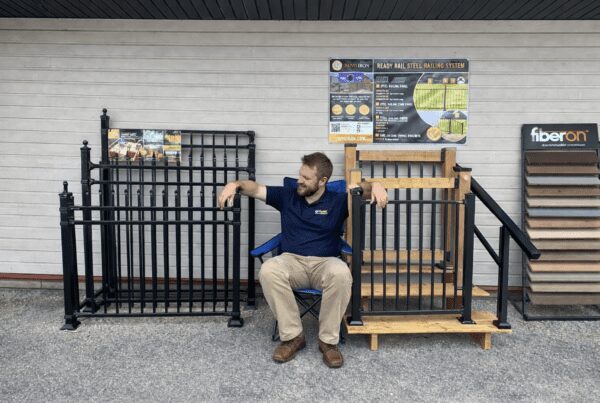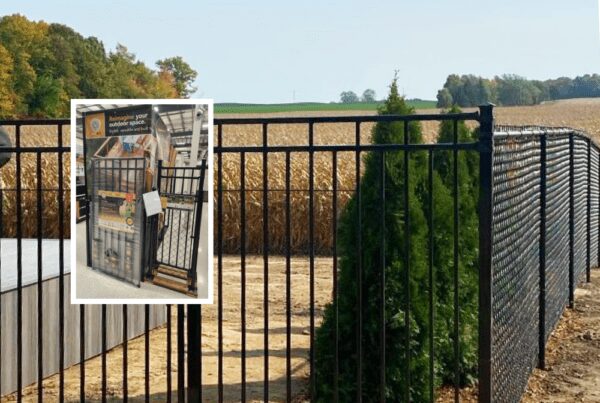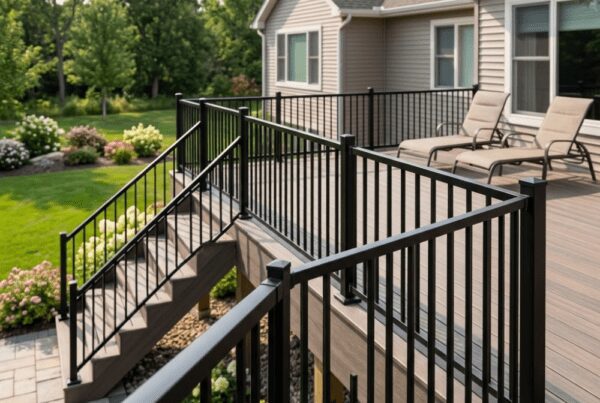
When planning a project, having reliable engineered drawings is essential and Nuvo Iron makes the process simple. Whether you’re building a deck, installing railing, or adding outdoor accents, you can quickly access stamped engineered drawings for many of our products.
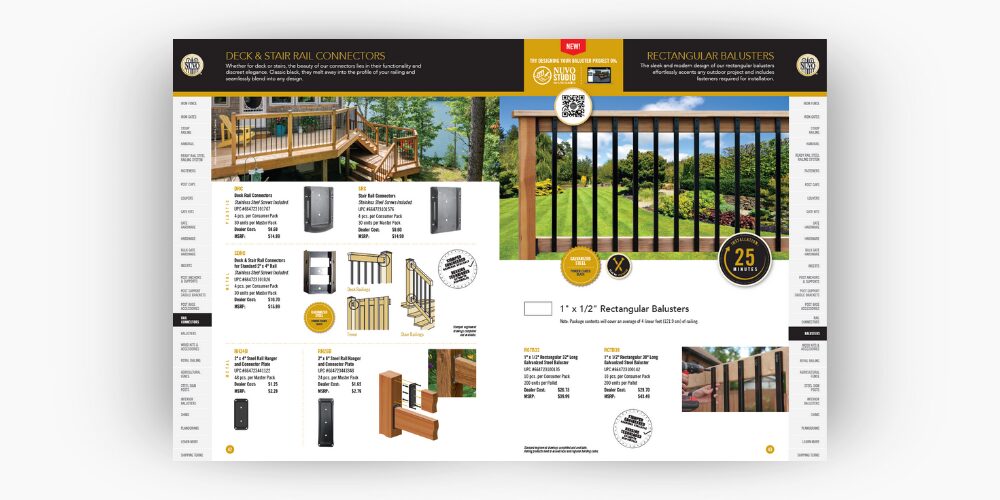
Our Brochure: Look for the Stamped Drawing Icon
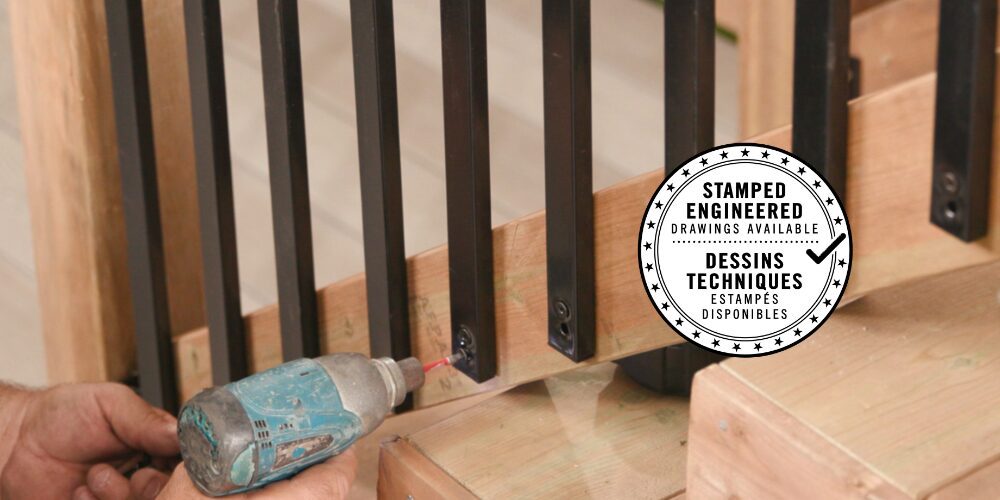
As you browse through the Nuvo Iron brochure, keep an eye out for the Stamped Engineered Drawings icon. Products displaying this symbol include engineer-stamped drawings that meet regional building requirements. This visual marker makes it easy to identify which items have technical documents ready for download or print from our website.
Accessing Stamped Drawings Online
Finding the full drawings is just as easy:
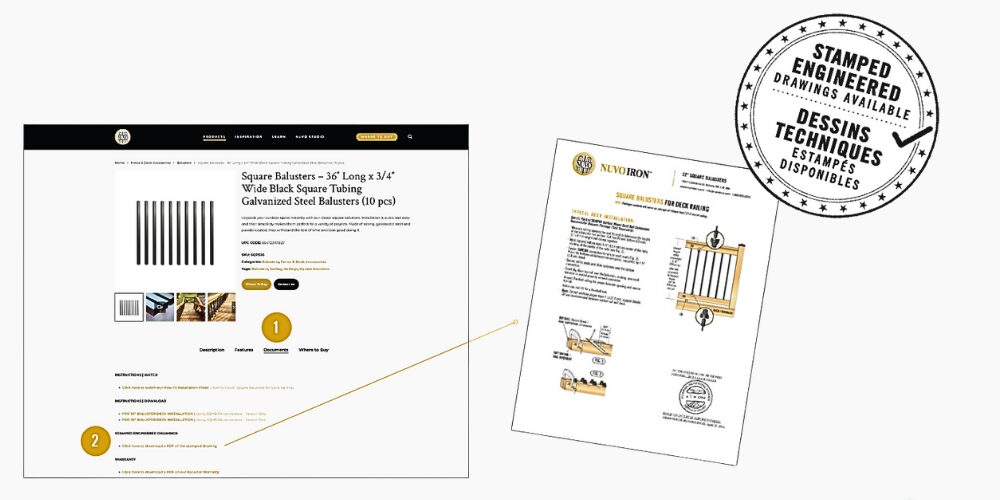
- Visit nuvoiron.com.
- Enter the product code into the search bar (for example: SQPS36).
- Open the product page, then scroll below the product gallery.
-
Look for and select the “Documents” tab.
- Here you’ll always find the most up-to-date, downloadable engineer-stamped drawings for your project.
These documents provide the detailed specifications you need to plan confidently and meet building-code requirements. Whether you’re a DIY builder or contractor, Nuvo Iron ensures you have the technical support needed for a smooth project from start to finish.
Final Thoughts
Accessing stamped engineered drawings shouldn’t be complicated and with Nuvo Iron, it isn’t. By simply watching for the Stamped Drawings Available icon throughout the brochure and visiting nuvoiron.com to download the full technical documents, you’ll always have the precise information you need at your fingertips. Whether you’re enhancing a backyard space or tackling a full-scale build, these resources help ensure safety, compliance, and confidence at every stage of your project.
If you’re ready to move forward, start exploring the brochure, look for the icon, and let Nuvo Iron support your next outdoor creation with reliable, engineer-approved guidance.